
Application Screenshots v1.2.5.0 LIVE
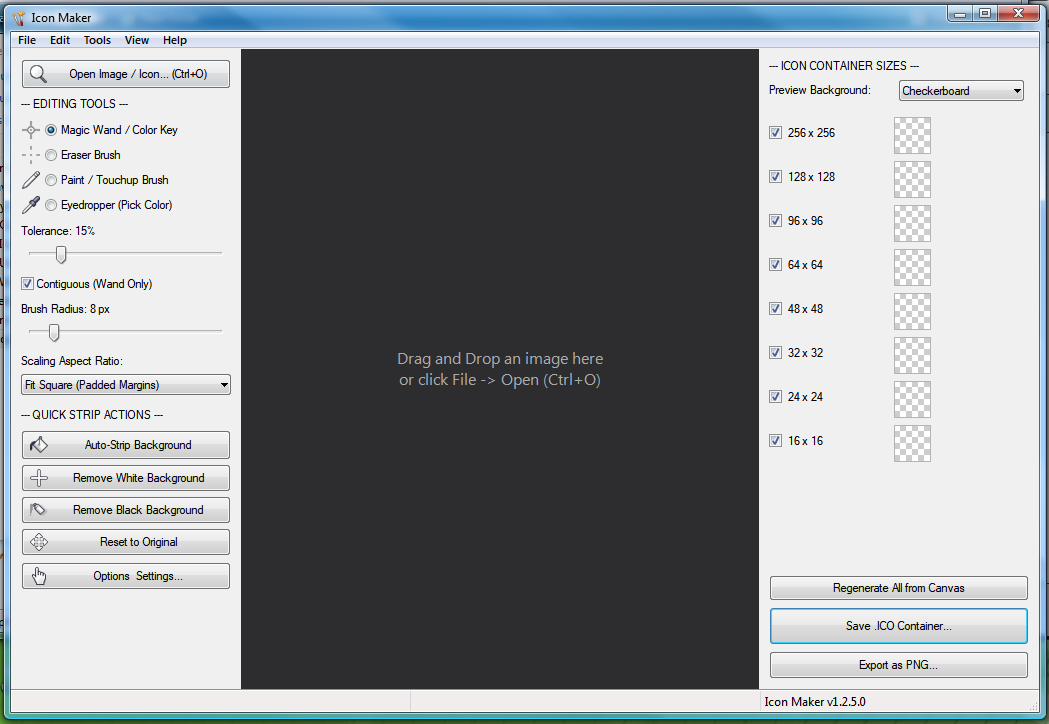
Interactive Canvas, Tool Sidebar & Live 8-Resolution Preview Panel
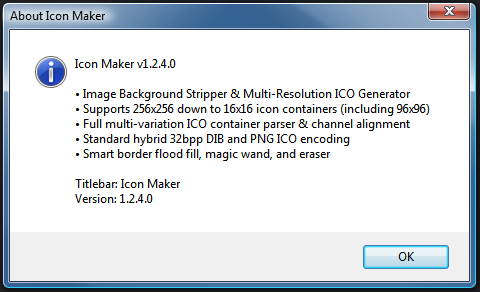
Options Dialog & Custom Checkerboard Background Settings
Editing & Transparency Engine GDI+ & WIC
- Auto-Strip Background: Border/corner flood-fill removal with anti-aliased edge feathering.
- Magic Wand (Contiguous & Global): Sample and strip matching colors within tolerance.
- Eraser, Paint Brush & Eyedropper: Manual 1px–64px pixel editing with full Undo/Redo (
Ctrl+Z/Ctrl+Y). - Bicubic Resampling: Alpha-premultiplied downscaling across
256,128,96,64,48,32,24, and16px sizes.
Windows Native Architecture WIN32 • CMAKE
- Full ICO Container Parser: Reads PNG and DIB icon frames (1, 4, 8, 24, 32 bpp) and promotes the largest frame to master canvas.
- 20 Embedded Custom Cursors: Compiled directly from
resources/Cursors/(.cur&.ani). - Registry Persistence: Stores settings and window geometry under
HKCU\EliteSoftware\IconMaker. - Headless Self-Test: Run
IconMaker.exe --testto verify codecs, scaling, cursors, and registry persistence.
Keyboard Shortcuts
| Shortcut | Action |
|---|---|
Ctrl + O / Ctrl + S | Open image or ICO / Export multi-resolution .ico |
Ctrl + Z / Ctrl + Y | Undo / Redo edit stack |
Ctrl + + / Ctrl + - / Ctrl + 0 / Ctrl + F | Zoom In / Zoom Out / Reset 100% / Fit Window |
Right-Click Drag / Middle Drag | Pan interactive canvas |